Build the next part together on Tuesday
Three two-hour live workshops: 24 November, 1 December and 8 December, 18:00–20:00 CET (Berlin). A short explanation, guided practice and time to build.
Build a macOS app you can call from any app, speak to, and connect to useful actions on your computer. Three weeks of guided building with Gleb Kalinin.
Built on Tauri and Pi SDK, with DeepSeek through Ollama Cloud, a reusable voice pipeline and tools connected through MCP.

Start with a macOS window, connect DeepSeek through Pi SDK, then add voice and useful actions. Each week builds on the same app, with time to understand the code and test what you have made.
Three two-hour live workshops: 24 November, 1 December and 8 December, 18:00–20:00 CET (Berlin). A short explanation, guided practice and time to build.
Short lessons, prompts for improving your agent and demos of individual steps in the process. A few prerecorded videos are in English. Work through them in your own time.
Post one question and one screenshot of your progress in the group space each day. Bring a result, a sticking point or something you want to improve, and learn from what others are building.
Allow 10–20 minutes for a daily task, with additional time for building and testing your app.
Set up the project, build the Tauri interface and connect DeepSeek. Have your first text conversation inside your own app.
Between sessionsLaunch the app, try a few requests and note anything that prevents you from continuing.
Add a global shortcut, voice input and spoken replies. Call your agent while working in another app and practise a complete voice conversation.
Between sessionsTest short voice requests and check what happens when speech is unclear or the connection fails.
Connect actions for opening apps, sending notifications and creating calendar events. Check permissions, confirm changes and test a complete task from request to result.
Between sessionsTest one complete scenario and leave yourself instructions for running and extending the app.
Tuesdays, 18:00–20:00 CET (Berlin)
You’ll work with four connected parts: a macOS interface, an agent, a voice pipeline and tools that act on your computer.
A native macOS window, controls and system actions.
A dedicated agent session, starting with DeepSeek through Ollama Cloud. Other model-access options include OpenRouter and European providers such as Lyceum.
WebRTC audio, speech recognition and spoken replies. Groq Orpheus is an optional output.
Connect the agent to desktop tools and registered scripts, AppleScripts and Automator workflows.
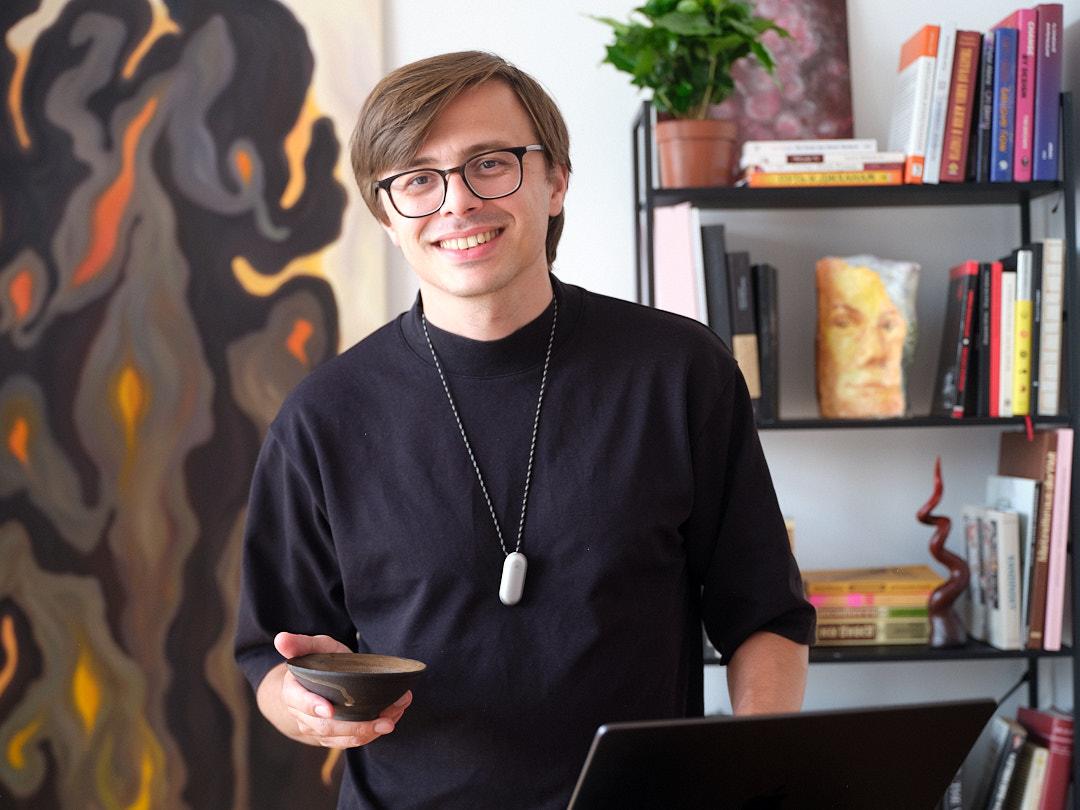
Gleb brings the practical approach of Goal Driven AI to a concrete build: a voice agent that lives on your Mac. The emphasis is on getting a small core working, understanding it, and learning how to extend it.
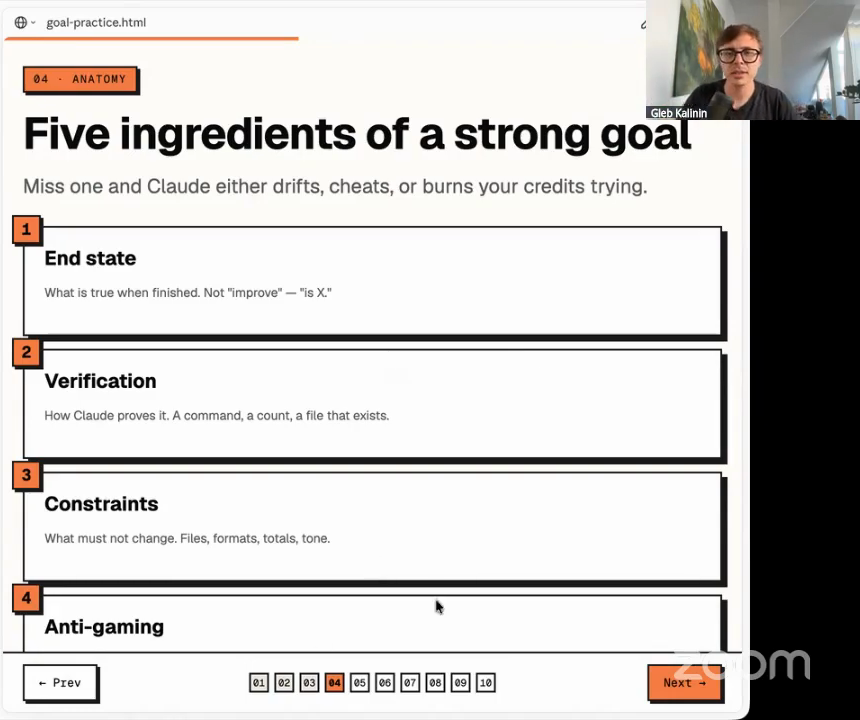
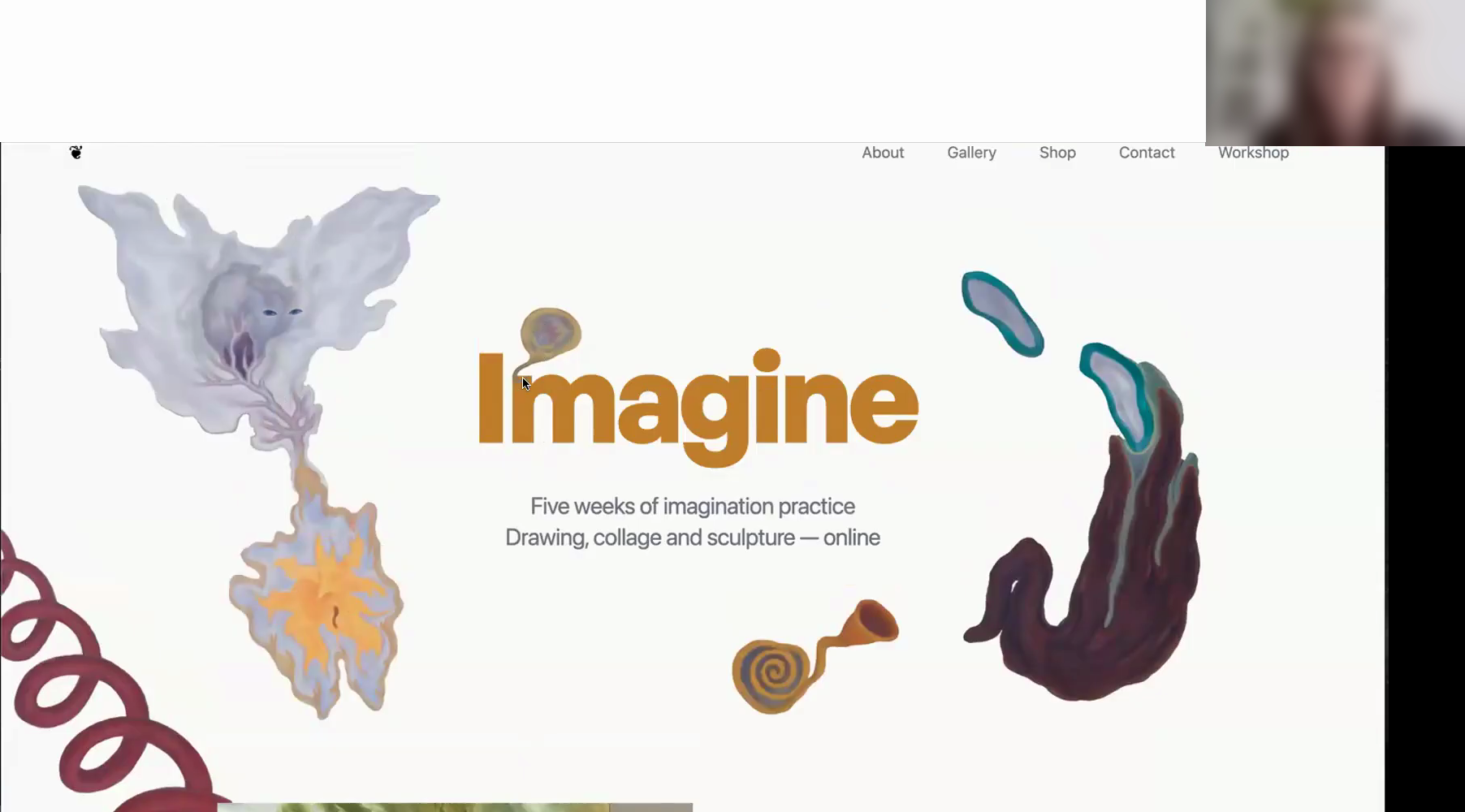
“I’ve stopped being afraid of big tasks”
“I managed to make something myself”
“That works far better than theory”
“Doing it as a group was definitely worth it”
“A genuine shift in my thinking”
“I can do more”
Published excerpts from earlier labs
Your own macOS app with a Tauri interface and a Pi SDK agent connected to DeepSeek through Ollama Cloud. Add voice conversation, a global shortcut and tools for opening apps, sending notifications and creating calendar events. You keep the project and can extend it with native actions, registered scripts and MCP tools.
DeepSeek through Ollama Cloud handles the agent’s reasoning. Deepgram transcribes your speech and Deepgram Aura reads replies aloud; Groq Orpheus is an alternative for speech output. Pipecat connects the voice pipeline, while Pi SDK manages the agent and its tools.
Choose Ollama Cloud for a plan with included usage credits or pay-as-you-go access; OpenRouter for prepaid credits deducted as you use models; or a European cloud provider such as Lyceum, which bills per token. We’ll compare the available models and payment options so you can choose a provider. Model and voice service usage is paid separately from the €279 workshop fee.
A Mac, a microphone, an internet connection and a willingness to install development tools and work with an app project. You’ll use accounts for the model and voice providers. We’ll set up the project together and grant microphone and system permissions where needed.
Live workshops take place on Tuesdays 24 November, 1 December and 8 December 2026, 18:00–20:00 CET (Berlin). Short lessons and prompts are available between meetings. Post one question and one progress screenshot each day. Your Zoom link is in the participant area and welcome email.
€279, paid once through Stripe. No tax is added at checkout. Model and voice service usage is billed separately by the providers and is not included in the workshop fee. Confirmed payment grants workshop access and triggers a welcome email.
24 November – 8 December 2026. Three two-hour Tuesday workshops, daily mini-lessons, improvement prompts and process demos, plus a daytime group check-in: one question and one progress screenshot.
Join the workshop — €279After payment is confirmed, workshop access is granted and welcome instructions are sent to your checkout email. Model and voice service costs are separate.